
The Best Mini PCs of 2026 — Tested, Ranked & Reviewed
Gaming, AI, office and video editing — we benchmark every machine in real workloads so you don’t have to. Honest rankings, no affiliate bias, weekly deal alerts.
Our 5 Best Mini PCs Right Now
Every score below comes from our published in-house reviews. Scores are not estimates — they reflect our full benchmark suites, sustained load testing and real-world gaming FPS.
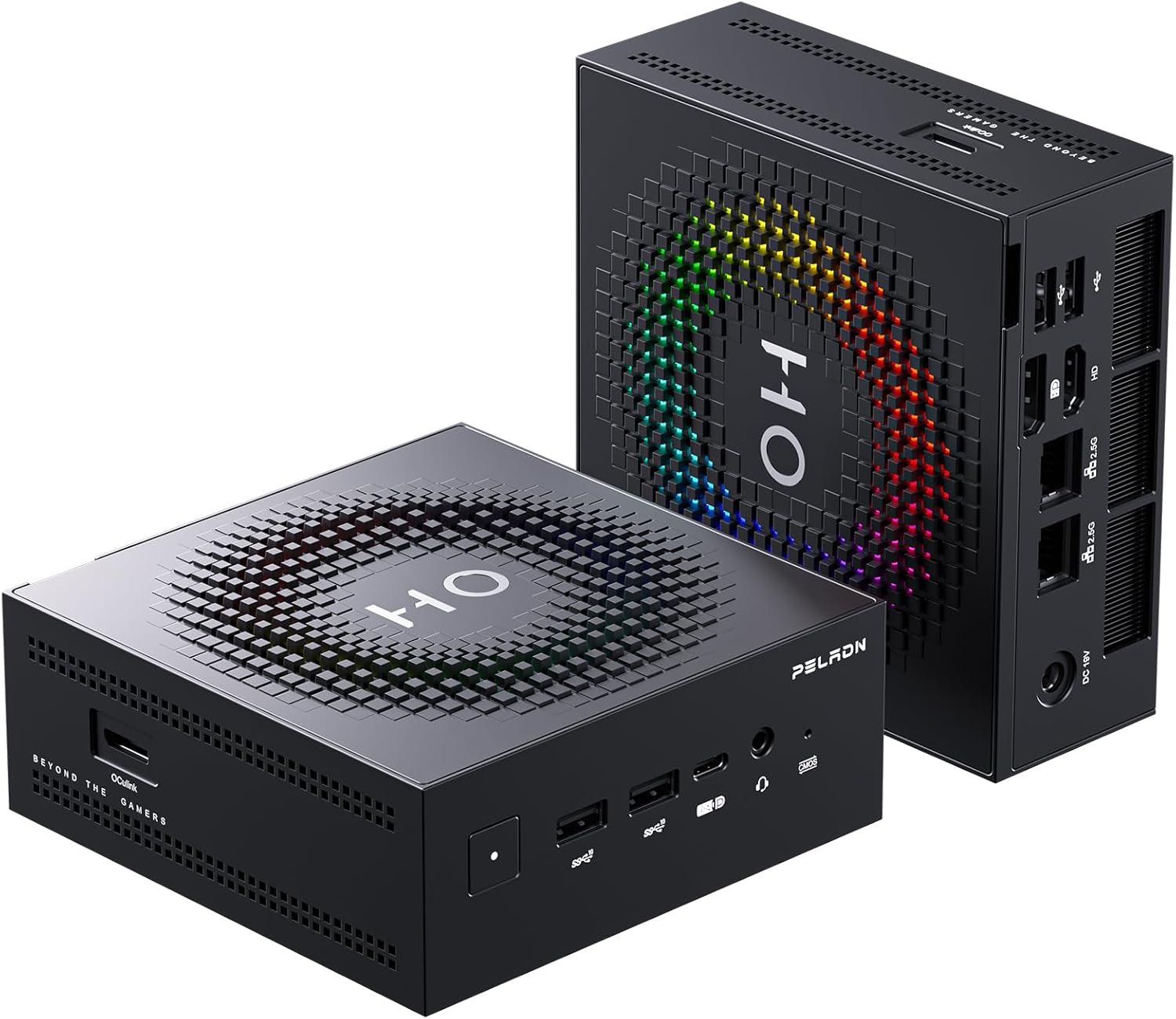 Best Value — Reviewed
9.1 / 10
Best Value — Reviewed
9.1 / 10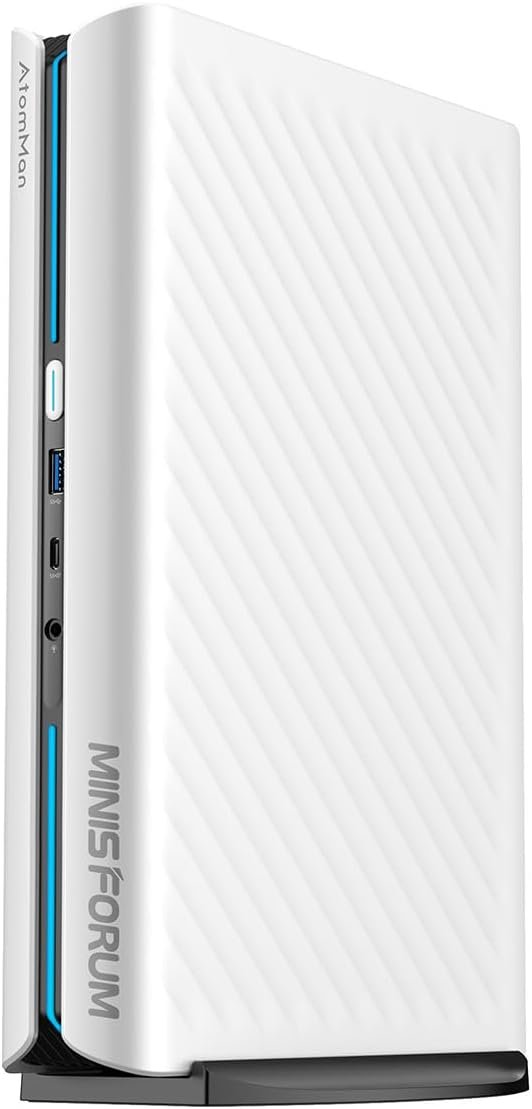 Best Gaming — Reviewed
9.1 / 10
Best Gaming — Reviewed
9.1 / 10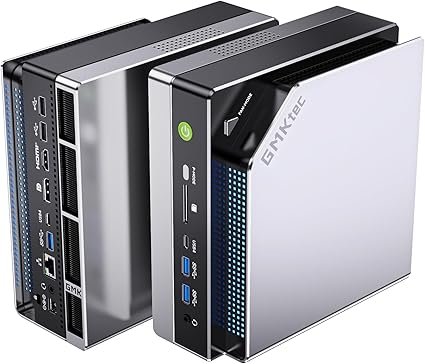 Best AI + iGPU — Reviewed
4.8 / 5
Best AI + iGPU — Reviewed
4.8 / 5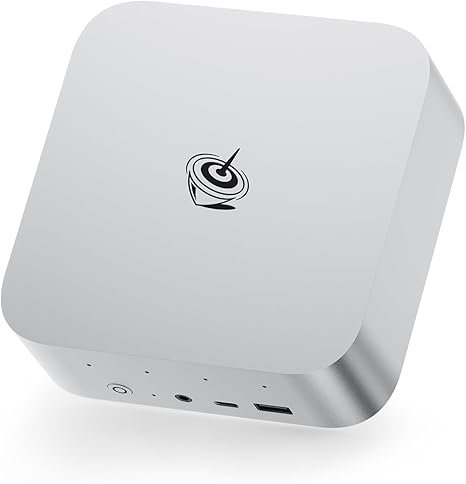 Best Office AI
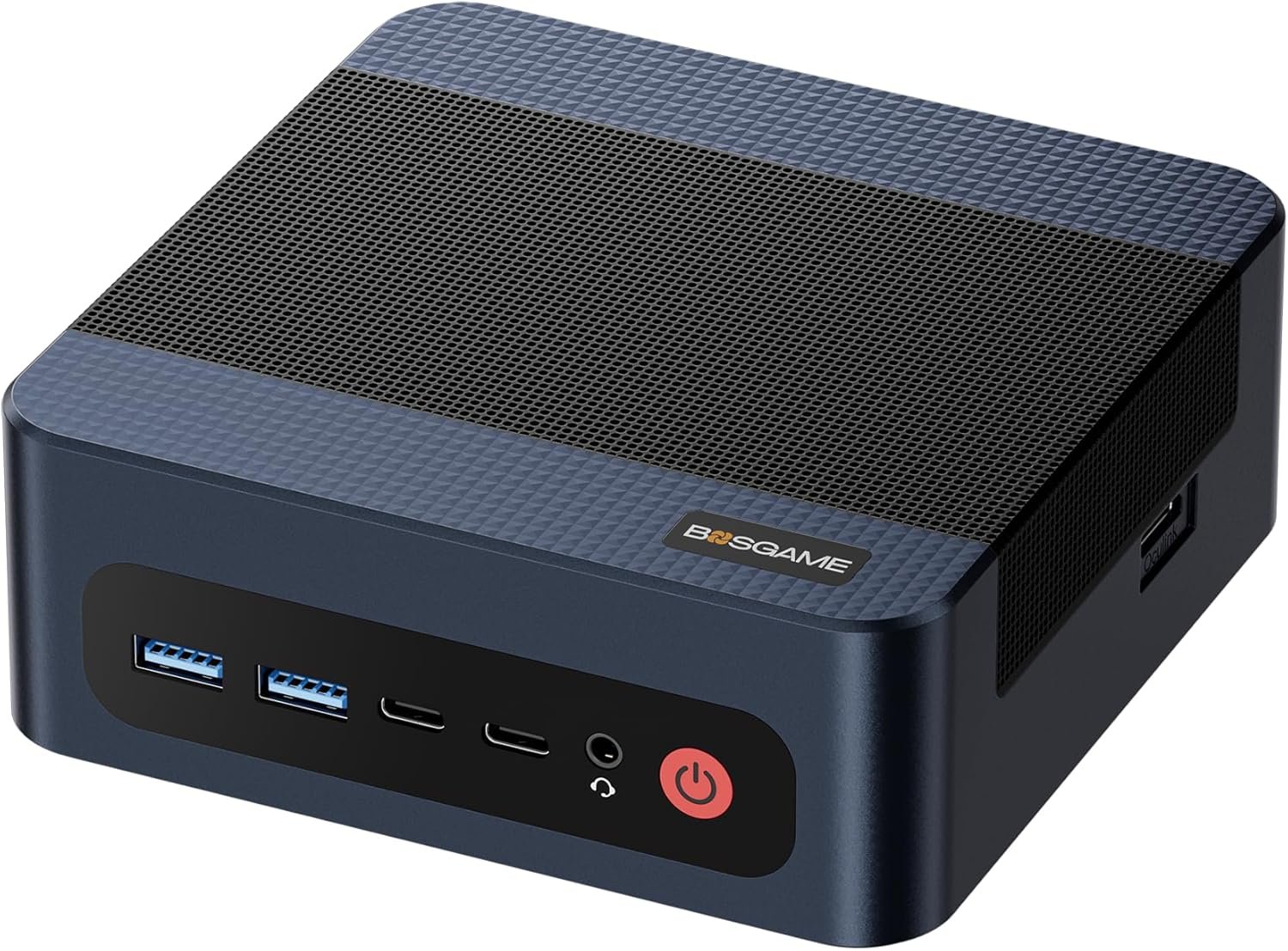 Best Budget Gaming
What Are You Looking For?
Gaming vs. AI & Office: What Specs Do You Need?
The 2026 Mini PC Landscape — What Has Changed
In 2026, the performance gap between desktop towers and mini PCs has effectively closed for most use cases. The key question is no longer “is a mini PC powerful enough?” — it is “which mini PC matches my specific workload?” Here is what to prioritize:
Our Testing & Review Methodology
Every recommendation on MiniPCDeals.net is based on in-house testing. We never publish benchmark numbers we have not personally verified. Here is how we assess each machine:
AI & NPU Benchmarks
We test NPU performance with Procyon AI and local LLM execution (Llama 3 70B, Qwen3 235B) to verify real-world AI inference speed — not just TOPS claims. See our local AI benchmark guide for full tokens/second results.
1080p & 1440p Gaming
We benchmark AAA titles at both 1080p and 1440p with FSR and without, measuring average FPS and 1% lows across Cyberpunk 2077, GTA V, RDR2 and CS2.
90-Min Thermal Stress
We run 90-minute combined CPU + GPU stress tests and compare performance at 0, 30 and 90 minutes to detect sustained throttling under real workloads.
4K Export Timing
DaVinci Resolve and Premiere Pro 4K H.265 export times measured precisely. Proxy-free timeline scrubbing tested on 10-minute 4K source files.
Power Consumption
Wall power measured at idle, office load and maximum sustained workload. Energy cost impact calculated at $0.15/kWh for 8 hours/day, 5 days/week.
Fan Noise at 30 cm
dB levels measured with a calibrated meter at 30 cm from the machine during idle, office load, gaming and sustained rendering. Subjective noise character also noted.
Every price tier has a clear tested winner — click to see the full ranked comparison.
Your Questions — Mini PCs in 2026
Are mini PCs powerful enough for gaming in 2026?
Yes. With the arrival of AMD’s Strix Halo architecture, high-end mini PCs like the GMKtec EVO-X2 can handle modern AAA games at 1440p with high settings — often matching or outperforming the PS5 in several benchmarks. The Radeon 8060S iGPU (40 Compute Units) with 64 GB of LPDDR5X-8000 at 256 GB/s bandwidth achieves approximately 85 FPS in Cyberpunk 2077 at 1440p High with FSR. For discrete GPU gaming, the Minisforum G1 Pro with a desktop RTX 5060 at 145W sets a new standard for 2026.
Can I upgrade the RAM and storage in a mini PC?
It depends on the machine. Many mid-range mini PCs (like the GEEKOM AX8 Max, GEEKOM A9 Max and Minisforum UM870 Slim) include user-accessible DDR5 SO-DIMM slots that can be expanded — typically from 32 GB to 64 GB. Most also include dual M.2 NVMe slots for storage expansion. However, the highest-performance 2026 machines (GMKtec EVO-X2, Beelink SER9 Pro AI) use soldered LPDDR5X-8000 for maximum bandwidth — this memory cannot be upgraded after purchase. Always verify before buying if upgradeability is a priority. See our complete RAM guide for the full breakdown.
What is the advantage of OCuLink over USB4 for an eGPU?
OCuLink delivers full PCIe 4.0 ×4 bandwidth (64 Gbps) directly to an external GPU dock with no protocol overhead. USB4 operates at 40 Gbps and must allocate bandwidth between GPU data, display signal and other connected devices simultaneously. In real-world eGPU gaming tests, OCuLink-connected setups consistently outperform USB4 equivalents by 30–40% for GPU-limited workloads. If you plan to add an external RTX 4080 or RTX 4090 in the future, OCuLink is the correct choice. See our Best eGPU Docks guide for compatible hardware.
How much RAM do I need in a mini PC in 2026?
For general office use and web browsing: 16 GB minimum, 32 GB comfortable. For gaming and active multitasking: 32 GB. For local AI inference (running 70B+ language models) and professional 4K video editing: 64 GB. For the largest publicly available AI models (Qwen3 235B, Llama 3 70B at full precision): 128 GB, currently available on the GMKtec EVO-X2. Most 2026 flagship mini PCs use soldered memory — your configuration at purchase is permanent. When in doubt between 32 GB and 64 GB, choose 64 GB. For complete LLM performance benchmarks, see our best mini PC for local AI 2026 guide.
What is a TOPS NPU and why does it matter in 2026?
A TOPS (Tera Operations Per Second) NPU (Neural Processing Unit) is a dedicated chip inside the processor designed specifically to accelerate AI inference tasks: real-time speech recognition, meeting transcription, document summarization, background noise removal during video calls, and Windows Copilot+ features. Microsoft requires 40+ TOPS for Copilot+ certification. Current top performers — the Ryzen AI 9 HX 370 and Ryzen AI Max+ 395 — deliver 50 TOPS dedicated NPU performance. If you do not use AI-assisted tools, a lower-TOPS machine is perfectly adequate for traditional workloads.
Should I replace my desktop tower with a mini PC?
For most users — yes. A 2026 mid-range mini PC outperforms the average 2020–2022 desktop tower in everyday tasks while consuming 5–10× less power and occupying a fraction of the desk space. Exceptions include workloads requiring a discrete GPU with 24+ GB VRAM, multiple PCIe expansion cards, or frequent GPU hardware swaps. Read our full Should You Switch guide and the 2026 Buying Guide for a detailed breakdown by use case.
 Budget, Guide, Uncategorized
 Bosgame, Review
 Uncategorized
Our Testing & Review Methodology
Every recommendation on MiniPCDeals.net is based on in-house testing. We never publish benchmark numbers we have not personally verified. Here is how we assess each machine:
AI & NPU Benchmarks
We test NPU performance with Procyon AI and local LLM execution (Llama 3 70B, Qwen3 235B) to verify real-world AI inference speed — not just TOPS claims.
1080p & 1440p Gaming
We benchmark AAA titles at both 1080p and 1440p with FSR and without, measuring average FPS and 1% lows across Cyberpunk 2077, GTA V, RDR2 and CS2.
90-Min Thermal Stress
We run 90-minute combined CPU + GPU stress tests and compare performance at 0, 30 and 90 minutes to detect sustained throttling under real workloads.
4K Export Timing
DaVinci Resolve and Premiere Pro 4K H.265 export times measured precisely. Proxy-free timeline scrubbing tested on 10-minute 4K source files.
Power Consumption
Wall power measured at idle, office load and maximum sustained workload. Energy cost impact calculated at $0.15/kWh for 8 hours/day, 5 days/week.
Fan Noise at 30 cm
dB levels measured with a calibrated meter at 30 cm from the machine during idle, office load, gaming and sustained rendering. Subjective noise character also noted.
Every price tier has a clear tested winner — click to see the full ranked comparison.
Your Questions — Mini PCs in 2026
Are mini PCs powerful enough for gaming in 2026?
Yes. With the arrival of AMD’s Strix Halo architecture, high-end mini PCs like the GMKtec EVO-X2 can handle modern AAA games at 1440p with high settings — often matching or outperforming the PS5 in several benchmarks. The Radeon 8060S iGPU (40 Compute Units) with 64 GB of LPDDR5X-8000 at 256 GB/s bandwidth achieves approximately 85 FPS in Cyberpunk 2077 at 1440p High with FSR. For discrete GPU gaming, the Minisforum G1 Pro with a desktop RTX 5060 at 145W sets a new standard for 2026.
Can I upgrade the RAM and storage in a mini PC?
It depends on the machine. Many mid-range mini PCs (like the GEEKOM AX8 Max, GEEKOM A9 Max and Minisforum UM870 Slim) include user-accessible DDR5 SO-DIMM slots that can be expanded — typically from 32 GB to 64 GB. Most also include dual M.2 NVMe slots for storage expansion. However, the highest-performance 2026 machines (GMKtec EVO-X2, Beelink SER9 Pro AI) use soldered LPDDR5X-8000 for maximum bandwidth — this memory cannot be upgraded after purchase. Always verify before buying if upgradeability is a priority. See our complete RAM guide for the full breakdown.
What is the advantage of OCuLink over USB4 for an eGPU?
OCuLink delivers full PCIe 4.0 ×4 bandwidth (64 Gbps) directly to an external GPU dock with no protocol overhead. USB4 operates at 40 Gbps and must allocate bandwidth between GPU data, display signal and other connected devices simultaneously. In real-world eGPU gaming tests, OCuLink-connected setups consistently outperform USB4 equivalents by 30–40% for GPU-limited workloads. If you plan to add an external RTX 4080 or RTX 4090 in the future, OCuLink is the correct choice. See our Best eGPU Docks guide for compatible hardware.
How much RAM do I need in a mini PC in 2026?
For general office use and web browsing: 16 GB minimum, 32 GB comfortable. For gaming and active multitasking: 32 GB. For local AI inference (running 70B+ language models) and professional 4K video editing: 64 GB. For the largest publicly available AI models (Qwen3 235B, Llama 3 70B at full precision): 128 GB, currently available on the GMKtec EVO-X2. Most 2026 flagship mini PCs use soldered memory — your configuration at purchase is permanent. When in doubt between 32 GB and 64 GB, choose 64 GB.
What is a TOPS NPU and why does it matter in 2026?
A TOPS (Tera Operations Per Second) NPU (Neural Processing Unit) is a dedicated chip inside the processor designed specifically to accelerate AI inference tasks: real-time speech recognition, meeting transcription, document summarization, background noise removal during video calls, and Windows Copilot+ features. Microsoft requires 40+ TOPS for Copilot+ certification. Current top performers — the Ryzen AI 9 HX 370 and Ryzen AI Max+ 395 — deliver 50 TOPS dedicated NPU performance. If you do not use AI-assisted tools, a lower-TOPS machine is perfectly adequate for traditional workloads.
Should I replace my desktop tower with a mini PC?
For most users — yes. A 2026 mid-range mini PC outperforms the average 2020–2022 desktop tower in everyday tasks while consuming 5–10× less power and occupying a fraction of the desk space. Exceptions include workloads requiring a discrete GPU with 24+ GB VRAM, multiple PCIe expansion cards, or frequent GPU hardware swaps. Read our full Should You Switch guide and the 2026 Buying Guide for a detailed breakdown by use case.